
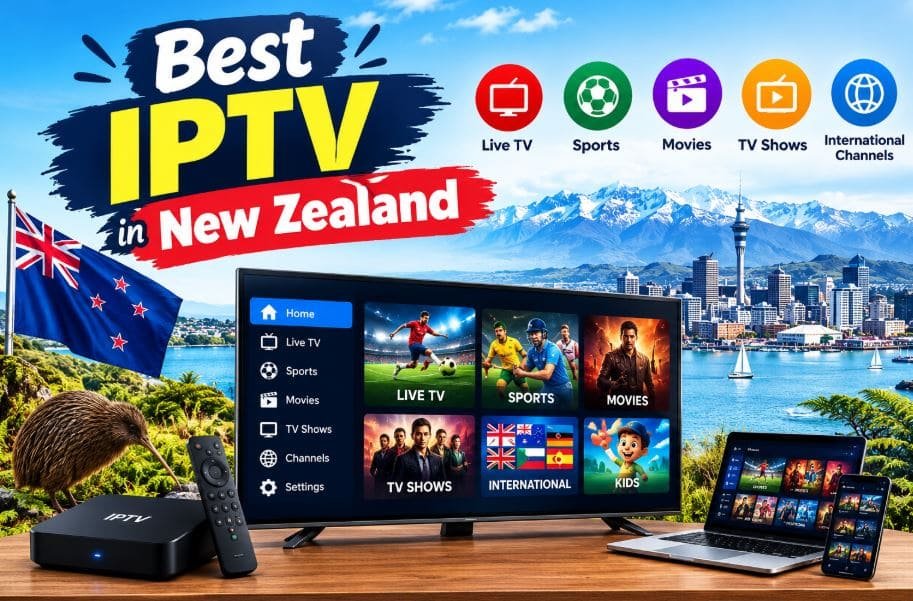
Finding the best IPTV in New Zealand can feel like a lot of work. New Zealand is a small market with a very specific kind of viewer. People here love rugby, cricket, netball, league, and motorsport. They also want local news, family shows, movies, and international channels. Time zones add another challenge.
Many big overseas events happen in the middle of the night for Kiwi viewers. That makes replay and catch-up features far more valuable than they are in other countries. The market is also crowded. Dozens of services promise huge channel lists and rock-bottom prices. Most of them sound alike, which makes comparing them hard.
This guide is here to make that job easier. We compare 15 IPTV and live-TV options for New Zealand viewers. You will see what each service offers, its pros and cons, and its pricing in a simple table. You will also learn how to choose an IPTV subscription in New Zealand without wasting money. One important note before we start.
Prices in this guide are shown in US dollars exactly as supplied. Please confirm current prices and plans on each official website before you pay. Availability, licensing, and channel rights can also differ by country, so check what is offered where you live.
What Is IPTV?
IPTV stands for Internet Protocol Television. Instead of using an aerial, a satellite dish, or a cable line, IPTV sends video through your internet connection.
With a suitable service, you can watch live channels on many devices.
- Smart TVs
- Android TV and Google TV devices
- Amazon Fire TV and Firestick
- Apple devices
- Smartphones and tablets
- Computers and laptops
- Streaming boxes
The word “IPTV” covers a few different kinds of service.
Licensed broadcasters use IPTV technology to deliver their own channels. Big live-TV platforms use similar internet delivery. Independent providers sell bundles of channels and on-demand titles. The technology is legal. Whether a particular service is legal depends on its licenses and distribution rights.
If you want a deeper comparison of how IPTV differs from a mainstream live-TV app, read our guide on IPTV vs YouTube TV.
Why Is IPTV Becoming Popular in New Zealand?
More Kiwis are rethinking how they pay for television. A big traditional bundle can feel expensive when you only watch a few channels. Internet TV offers a more flexible alternative.
1. Better Broadband
Fibre has spread across much of the country.
Faster home internet makes live streaming far more practical than it used to be.
2. Love of Live Sport
Sport is a huge part of Kiwi life.
Fans look for ways to follow rugby, cricket, football, league, tennis, golf, and Formula 1.
Rights for these events differ by service and by country, so always check before you subscribe.
3. Time-Zone Flexibility
Live events from Europe and North America often air at odd hours in New Zealand.
Services with replay or catch-up options help you watch at a sensible time.
4. Multi-Device Viewing
Many households use a Smart TV in the lounge and a phone or tablet elsewhere.
A good service supports both.
5. International and Multicultural Content
New Zealand is a multicultural country. Many viewers want channels in languages such as Mandarin, Hindi, Samoan, Tongan, or Spanish.
IPTV services can make this content easier to find.
6. Flexible Plans
Many providers offer monthly, three-month, six-month, and yearly plans. That lets you test a service before committing to a longer one.
How to Choose the Best IPTV in New Zealand?
The right service depends on what you watch, how much you want to spend, and what devices you own. If you are asking how to choose the best IPTV in New Zealand, work through the nine steps below.
1. Check the Channel List
Do not choose a service only because it advertises thousands of channels.
Ask yourself:
- Does it carry the sports I follow?
- Does it include local New Zealand channels?
- Are my favourite entertainment and news channels there?
- Are channels in my language included?
- Is the content legally available in New Zealand?
A smaller list that matches your habits beats a giant list you never use.
2. Look at Stream Quality and Stability
Services may offer SD, HD, Full HD, or 4K.
A higher label does not always mean a better experience.
A steady HD stream usually beats a shaky 4K one.
3. Test Your Home Internet
Your connection matters as much as the service.
A weak line can cause:
- Buffering
- Freezing
- Delayed playback
- Lower picture quality
- Dropped connections
Fibre or a strong wired connection usually gives the best results, especially for live sport.
4. Confirm Device Compatibility
Make sure the service works on the devices you own.
Check support for:
- Smart TVs
- Android TV
- Fire TV and Firestick
- Apple devices
- Phones and tablets
- PCs and laptops
See our guide to IPTV for Soccer and IPTV for Tennis for setup ideas.
5. Look for an Electronic Program Guide
An Electronic Program Guide, or EPG, shows what is on now and what comes next.
It makes live TV far easier to browse.
6. Check for Catch-Up and Replay
Replay is a big deal in New Zealand because of time zones.
It lets you watch programmes after they air.
Availability depends on the provider and on content rights.
7. Compare Pricing and Plan Lengths
Compare the whole picture, not just the headline price.
- Monthly cost
- Three-month cost
- Six-month cost
- Yearly cost
- Lifetime offers
- Number of devices allowed
- Refund policy
Start with a short plan if you are new to a service.
8. Judge Customer Support
Good support saves time when something goes wrong.
Look for clear help on:
- Activation
- Supported apps
- Device setup
- Troubleshooting
- Billing and renewals
9. Check Terms and Legality
This step matters most with independent IPTV providers.
Before you subscribe, confirm that:
- The service can legally be offered in New Zealand.
- The provider has the rights to the content it sells.
- Payment and refund rules are clear.
- Real contact details are easy to find.
A huge premium channel list at a tiny price deserves extra scrutiny.
Top 15 Best IPTV in New Zealand
The list below mixes independent IPTV providers with mainstream live-TV platforms. Each section covers an introduction, key features, pros and cons, a pricing table, and why the service may suit New Zealand viewers.
- Pixzo TV
- Polu TV
- StreamView IPTV
- Zest IPTV
- YouTube TV
- Troypoint TV
- Roku TV
- Digitalizard
- Naxa TV
- Fubo TV
- Prismo IPTV
- Tivi Station
- Dodo IPTV
- TrendyScreen
- Hulu+Live TV
If you also follow sport closely, take a look at our guide to the best IPTV for Live sports.
1. Pixzo TV
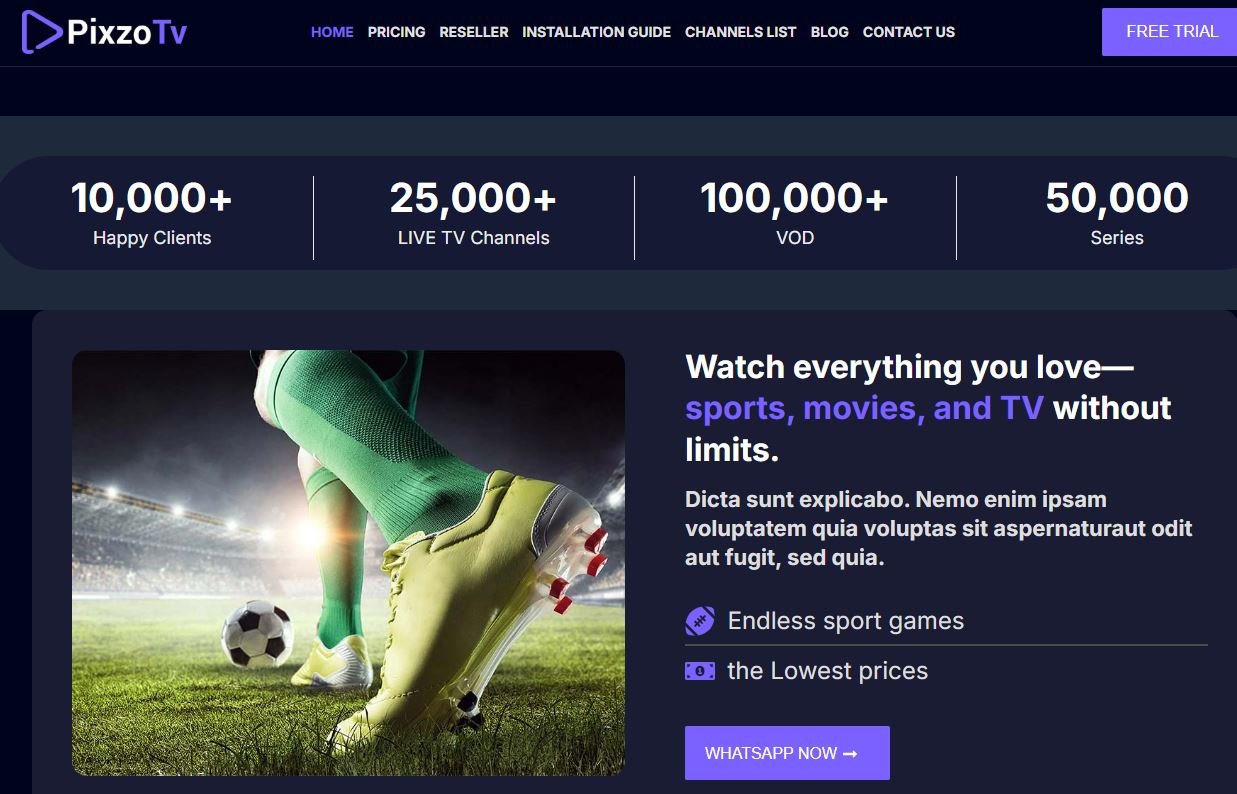
Pixzo TV is an IPTV option with a choice of subscription lengths. Its plans run from one month to twelve months. Each length has a price range, so viewers can pick a package level that suits their budget. It has earned a strong reputation as a reliable IPTV provider among viewers in Canada, the USA, Australia, the UK, and many other countries worldwide.
Key Features
- Monthly, three-month, six-month, and annual plans
- A range of package levels
- Internet-based live television
- Designed for people who like to compare plan costs
- Short plans for easy testing
- Longer plans for regular viewers
Pros and Cons
Pros
- Several subscription lengths
- Flexible commitment
- Wide price range to match different budgets
- Easy to test with a one-month plan
Cons
- Channel lineup should be checked before buying
- New Zealand availability should be confirmed
- Device support should be verified
- Package differences need careful reading
Pixzo TV Pricing
| Plan | Price |
| 1 Month | $14.99 – $39.99 |
| 3 Months | $24.99 – $64.99 |
| 6 Months | $39.99 – $99.99 |
| 12 Months | $64.99 – $149.99 |
Why Is Pixzo TV the Best IPTV for New Zealand Users?
Pixzo TV suits New Zealand viewers who like to start small. A one-month plan lets you check stream quality on your own fibre or broadband line.
You can then move to a six-month or yearly plan if you are happy. The price range also helps households with different budgets. For anyone researching an IPTV subscription in New Zealand, Pixzo TV is a sensible name to compare.
2. Polu TV
Polu TV offers several subscription lengths and several price levels. That makes it a flexible choice for shoppers who like to compare options. It works well for people who want to weigh short-term and long-term costs.
Key Features
- Monthly, three-month, six-month, and annual subscriptions
- Several package prices
- Flexible plan structure
- Suited to comparison shoppers
- Internet-based television viewing
Pros and Cons
Pros
- Many subscription durations
- Multiple price levels
- Six-month and annual options
- Flexible commitment
Cons
- Current channel availability needs checking
- Device compatibility should be confirmed
- Availability in New Zealand may vary
- Legal content rights should be verified
Polu TV Pricing
| Plan | Price |
| 1 Month | $14 – $39 |
| 3 Months | $24 – $64 |
| 6 Months | $39 – $99 |
| 12 Months | $64 – $149 |
Why Is Polu TV the Best IPTV for New Zealand Users?
Polu TV gives Kiwi viewers real choice. You are not locked into one fixed plan. A short plan helps you test channels and picture quality at home. Regular viewers can then look at the six-month or annual price.
This flexibility makes Polu TV a useful option for anyone comparing IPTV plans in New Zealand.
3. StreamView IPTV
StreamView IPTV is worth a look if you like flexible plan lengths. Its options run from one month all the way to a lifetime plan. That gives viewers several ways to manage a longer commitment.
Key Features
- Multiple subscription durations
- Monthly and long-term plans
- Lifetime plan for those who prefer one payment
- Several package choices
- Built for internet-based TV
Pros and Cons
Pros
- Many plan lengths
- Affordable entry-level plan
- Long-term options for regular viewers
- Lifetime plan included
Cons
- Channel availability should be verified before purchase
- Availability can differ by country
- Long plans need a bigger upfront payment
- Licensing and terms should be checked
StreamView IPTV Pricing
| Plan | Price |
| 1 Month | $14 |
| 3 Months | $29 |
| 6 Months | $45 |
| 12 Months | $65 |
| Lifetime | $260 |
Why Is StreamView IPTV the Best IPTV for New Zealand Users?
StreamView IPTV is helpful for New Zealand viewers who want to grow their commitment slowly. You can start with one month at $14. If the service performs well on your connection, the six-month and yearly plans cut the monthly cost.
The lifetime plan is there for people who prefer paying once, though it is best chosen only after a long trial.
4. Zest IPTV
Zest IPTV is one of the most budget-friendly options in this guide. It offers short plans, long plans, and a lifetime option. The low entry price makes it easy to try without a big commitment.
Key Features
- Monthly, three-month, six-month, and annual plans
- Lifetime option
- Low starting price
- Designed for internet-based IPTV
- Easy to compare plan lengths
Pros and Cons
Pros
- Lowest standard monthly price in the list after Digitalizard
- Several plan lengths
- Affordable six-month plan
- Lifetime option available
Cons
- Current channel lists should be checked
- Device support should be confirmed first
- Availability can vary by region
- Lifetime plans are a big commitment
Zest IPTV Pricing
| Plan | Price |
| 1 Month | $11 |
| 3 Months | $25 |
| 6 Months | $40 |
| 12 Months | $60 |
| Lifetime | $220 |
Why Is Zest IPTV the Best IPTV for New Zealand Users?
Zest IPTV is a good fit for price-conscious Kiwi households. At $11 a month, it is easy to test during a busy sports week. The six-month IPTV plan at $40 is an affordable next step.
Those who search for cheap IPTV in New Zealand will find that the yearly plan at $60 keeps the monthly cost low. As always, check the channel list and licensing before you subscribe.
5. YouTube TV
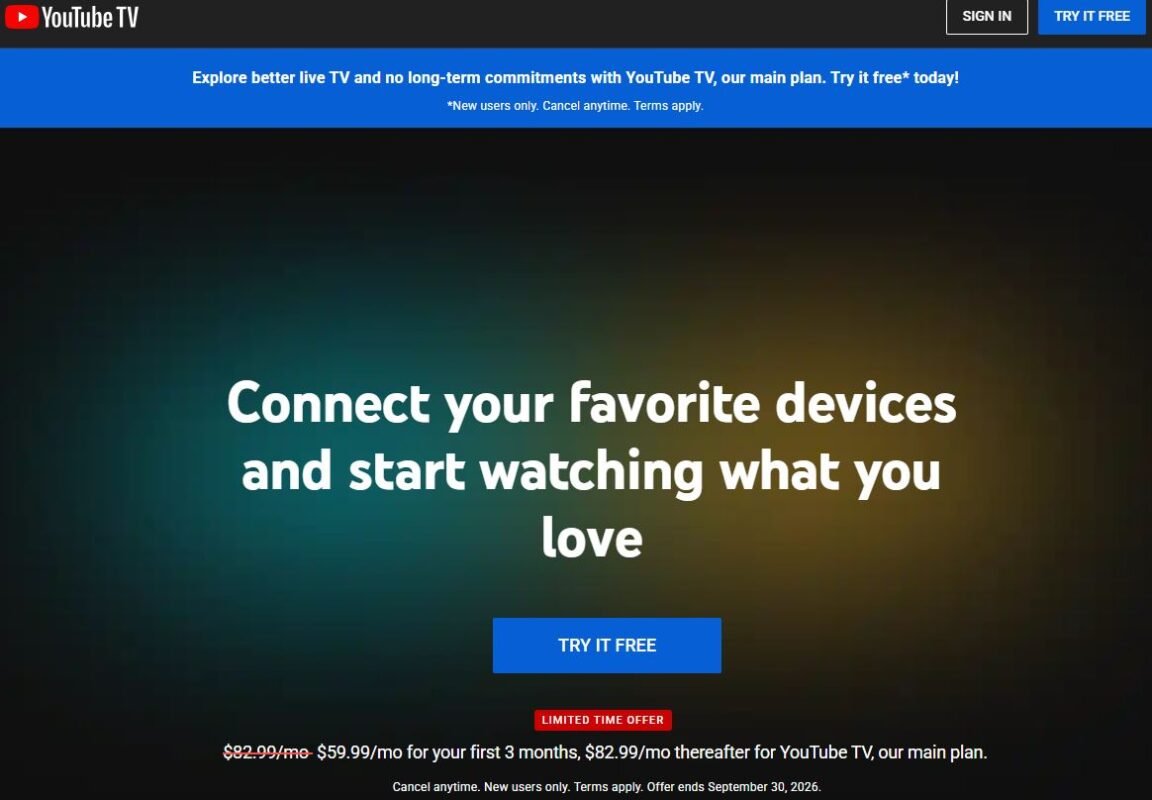
YouTube TV is a mainstream live-TV platform from Google and YouTube. It is not an independent IPTV reseller. It offers a managed live-TV service with a set channel lineup, cloud DVR, and support for compatible devices.
Key Features
- Live television streaming
- Cloud DVR functionality
- News, entertainment, and sports programming
- Familiar YouTube-style interface
- Support for many streaming devices
- Multi-device viewing, depending on plan and terms
Pros and Cons
Pros
- Established, well-known platform
- Interface many people already know
- Strong live-TV experience
- Cloud DVR features
Cons
- Availability depends on the market
- Built mainly for the US market
- Not a traditional IPTV provider
- Channel lineups vary by location
- Often costs more than independent IPTV plans
YouTube TV Pricing
This is a mainly US-focused platform. Check the official website to see whether it is offered in New Zealand before you plan around it.
| Plan | Price |
| All plans | Varies by market and plan. Check the official YouTube TV website. |
It would be misleading to treat a US price as a New Zealand price.
Live-TV rights are set country by country.
Why Is YouTube TV the Best IPTV for New Zealand Users?
YouTube TV matters for New Zealand readers mainly as a point of comparison. It shows what a managed, mainstream live-TV service looks like.
If it is officially offered where you live, it may suit viewers who value simplicity over huge channel counts. If it is not, you will need to look at local services or the other options in this guide.
Our comparison of IPTV vs YouTube TV can help you decide which model suits you better.
6. Troypoint TV
Troypoint is widely linked with streaming guides, cord-cutting advice, and device education. It is included here because it was on the requested list. Readers should confirm exactly which product or service is on offer before buying.
Key Features
- Streaming-focused ecosystem
- Cord-cutting orientation
- Streaming-related information
- Several subscription durations in the supplied pricing
- Helpful for people exploring streaming alternatives
Pros and Cons
Pros
- Streaming-focused brand
- Flexible pricing in the supplied data
- Several plan lengths
- Relevant to cord-cutting audiences
Cons
- The exact service offering should be verified
- Pricing can change
- Device compatibility should be confirmed
- Licensing should be checked
Troypoint TV Pricing
| Plan | Price |
| 1 Month | $13.99 – $39.99 |
| 3 Months | $22.99 – $64.99 |
| 6 Months | $39.99 – $99.99 |
| 12 Months | $59.99 – $149.99 |
Why Is Troypoint TV the Best IPTV for New Zealand Users?
Troypoint-related options appeal to New Zealand viewers who are moving away from traditional TV. The streaming-guide side of the brand can help you choose apps and devices.
Keep in mind that guides and resources are different from an actual TV subscription. Check the current offer, supported devices, and terms before you commit.
7. Roku TV
Roku is best described as a streaming ecosystem rather than a classic IPTV provider. Its devices and TV platform give you access to many streaming apps. Depending on the model, region, and apps available, it can act as a home entertainment hub.
Key Features
- Smart TV streaming platform
- Wide range of apps
- Simple, beginner-friendly interface
- Search and discovery tools
- Compatible Roku devices
Pros and Cons
Pros
- Easy-to-use interface
- Large streaming ecosystem
- Great for households using several services
- Convenient content discovery
Cons
- Not a traditional IPTV subscription
- Availability varies by country
- Content depends on individual apps
- You may need several separate subscriptions
Roku TV Pricing
Roku pricing depends on the device, television, or service you choose.
| Plan | Price |
| Roku devices and TVs | Varies by product. Check local retailers and the official website. |
It makes more sense to check current local prices than to assign one IPTV price.
Why Is Roku TV the Best IPTV for New Zealand Users?
Roku can suit New Zealand viewers who want a simple streaming setup. It does not tie you to one provider.
You can open the apps you already use from one menu. Check that the device and apps you want are officially supported in New Zealand first.
8. Digitalizard
Digitalizard earns its place through its low starting price. It also offers a range of subscription lengths. That makes it interesting for budget-minded viewers.
Key Features
- Monthly, three-month, six-month, and annual plans
- Several package prices
- Internet-based streaming
- Flexible subscription structure
Pros and Cons
Pros
- Lowest starting price in this guide
- Several subscription periods
- Affordable long-term options
- Good for budget comparisons
Cons
- Channel lineup should be verified
- Device support should be checked
- Availability varies
- Different packages may include different features
Digitalizard Pricing
| Plan | Price |
| 1 Month | $8 – $24 |
| 3 Months | $15 – $45 |
| 6 Months | $25 – $75 |
| 12 Months | $45 – $135 |
Why Is Digitalizard the Best IPTV for New Zealand Users?
Digitalizard may appeal to New Zealand households watching their spending. The $8 starting price makes it one of the cheapest ways to test IPTV. Plans from one month to one year let you match the commitment to your budget.
Still, price should never replace careful checking of channels, licensing, and device support.
9. Naxa TV
Naxa TV offers several subscription lengths and flexible pricing. Its plan structure resembles other IPTV providers, which makes comparison easy.
Its website lists compatibility with devices such as Android, Smart TVs, MAG Box, Firestick, iOS, Windows, and macOS.
Key Features
- Monthly, three-month, six-month, and annual plans
- Several price ranges
- Listed support for many device types
- IPTV-focused streaming
- A 7-day money-back guarantee mentioned on its pricing page
Pros and Cons
Pros
- Several plan durations
- Wide device support listed
- Money-back guarantee mentioned on its website
- Flexible pricing
Cons
- Channel availability should be verified
- Refund terms should be read in full
- Pricing may change
- New Zealand availability can vary
Naxa TV Pricing
| Plan | Price |
| 1 Month | $14.99 – $39.99 |
| 3 Months | $24.99 – $64.99 |
| 6 Months | $39.99 – $99.99 |
| 12 Months | $64.99 – $149.99 |
Why Is Naxa TV the Best IPTV for New Zealand Users?
Naxa TV suits Kiwi viewers who use a mix of devices. A Smart TV in the lounge, a Firestick in the bedroom, and a phone on the go are all common setups.
The listed device support makes it worth checking against your own gear. The short plan lets you test it on your home connection before you choose a longer one. Read the current terms and refund policy on the official site first.
10. Fubo TV
Fubo is a mainstream live-TV service with a strong sports focus. Sports have long been central to its appeal.
Its availability and channel rights vary a lot by country.
Key Features
- Live television streaming
- Strong sports focus
- Entertainment and news channels
- Internet-based delivery
- Support for compatible devices
Pros and Cons
Pros
- Strong sports orientation
- Mainstream, established service
- Live-TV experience
- Suited to sports enthusiasts
Cons
- Country availability varies
- Channel rights differ between markets
- Pricing varies by location
- Not a traditional independent IPTV provider
Fubo TV Pricing
This is a mainly US-focused platform. Check the official website to see whether it is offered in New Zealand before you plan around it.
| Plan | Price |
| All plans | Varies by country, package, and promotion. Check the official Fubo website. |
Prices and rights can change, so check the official offer for your market.
Why Is Fubo TV the Best IPTV for New Zealand Users?
Fubo is relevant to New Zealand sports fans mainly as a comparison point.
It shows how a sports-first live-TV service is built. If it is officially available to you, it may suit viewers who follow sport above all else. If not, compare it with local options and the independent providers in this guide.
11. Prismo IPTV
Prismo IPTV has a simple, long-term subscription structure. Its plans run from one month to a lifetime option.
That makes the price comparison very easy.
Key Features
- Monthly plan
- Three-month plan
- Six-month plan
- Annual plan
- Lifetime plan
Pros and Cons
Pros
- Simple, clear pricing
- Long-term plans
- Lifetime option
- Easy to compare
Cons
- Channel lineup should be checked
- Device compatibility should be verified
- Current pricing should be confirmed
- Licensing should be evaluated
Prismo IPTV Pricing
| Plan | Price |
| 1 Month | $15 |
| 3 Months | $35 |
| 6 Months | $60 |
| 12 Months | $85 |
| Lifetime | $350 |
Why Is Prismo IPTV the Best IPTV for New Zealand Users?
Prismo IPTV suits New Zealand viewers who like plain, predictable pricing. The yearly plan at $85 lowers the monthly cost for regular viewers.
The $350 lifetime plan is a bigger decision, so test the service on a short plan first.
12. Tivi Station
Tivi Station offers several plan lengths, from monthly to lifetime. Its pricing is easy to understand.
That suits viewers who prefer a simple, long-term model.
Key Features
- Monthly IPTV plan
- Quarterly plan
- Six-month plan
- Annual plan
- Lifetime subscription
Pros and Cons
Pros
- Several subscription periods
- Lifetime option
- Easy-to-understand pricing
- Suitable for long-term users
Cons
- Current content selection should be checked
- Licensing needs verification
- Device compatibility should be confirmed
- Availability may differ by region
Tivi Station Pricing
| Plan | Price |
| 1 Month | $15 |
| 3 Months | $35 |
| 6 Months | $65 |
| 12 Months | $95 |
| Lifetime | $365 |
Why Is Tivi Station the Best IPTV for New Zealand Users?
Tivi Station may appeal to Kiwi viewers who want a simple plan ladder. You can begin with one month at $15 and step up if you are happy.
The yearly plan at $95 suits regular viewers. As with all providers, confirm the channel list and terms before paying.
13. Dodo IPTV
Dodo IPTV is on the requested list for this guide. No verified pricing or feature data was supplied for it. For that reason, this section avoids inventing details.
Key Features
- IPTV-style internet streaming
- Subscription-based model
- Possible multi-device use, depending on current provider support
- Worth comparing with other IPTV options
Pros and Cons
Pros
- Adds another option to your comparison
- Internet-based viewing
- May appeal to people who want alternatives to traditional TV
Cons
- No verified pricing was supplied
- Channel lineup should be confirmed
- Device support should be checked
- New Zealand availability and licensing should be verified
Dodo IPTV Pricing
No pricing was supplied for Dodo IPTV, so no price is listed.
| Plan | Price |
| All plans | Not supplied. Check the official website. |
Please check current pricing on the provider’s official website before you buy.
Why Is Dodo IPTV the Best IPTV for New Zealand Users?
Dodo IPTV may be worth a look for New Zealand viewers who want to compare a wider range of services. Because the IPTV market changes quickly, take extra care with lesser-known names.
Before paying, check the following:
- Current pricing
- Supported devices
- The channel list
- Terms and conditions
- Refund policy
- Content licensing
- Customer support
14. TrendyScreen
TrendyScreen offers a wide ladder of plan lengths. It runs from one month to a lifetime option. It also includes a 24-month plan, which most other providers here do not.
Key Features
- Monthly plan
- Three-month plan
- Six-month plan
- Annual plan
- 24-month plan
- Lifetime option
Pros and Cons
Pros
- Many plan lengths
- A two-year option
- Lifetime plan available
- Easy to compare
Cons
- Channel lineup should be verified
- Device support should be checked
- Longer plans need a larger upfront payment
- Licensing should be confirmed
TrendyScreen Pricing
| Plan | Price |
| 1 Month | $15 |
| 3 Months | $35 |
| 6 Months | $65 |
| 12 Months | $95 |
| 24 Months | $165 |
| Lifetime | $365 |
Why Is TrendyScreen the Best IPTV for New Zealand Users?
TrendyScreen suits New Zealand viewers who like long-term planning. The 24-month plan at $165 lowers the monthly cost the most. It is a big commitment, so a short trial is wise.
Check the current channels, devices, and terms before you pay.
15. Hulu + Live TV
Hulu + Live TV is a mainstream platform that joins live television with Hulu’s on-demand library. Its current bundle includes Disney+ and ESPN.
It is not a classic third-party IPTV provider.
Key Features
- 100+ live channels advertised
- Live news and sports
- Hulu on-demand library
- Disney+ and ESPN in the current bundle
- Unlimited DVR on applicable plans
- Support for multiple devices
Pros and Cons
Pros
- Combines live and on-demand content
- Strong entertainment selection
- Sports and news included
- DVR functionality
Cons
- Mainly aimed at supported US markets
- Geographic restrictions and blackouts apply
- More expensive than many independent IPTV plans
- Not a conventional IPTV reseller
Hulu + Live TV Pricing
This is a mainly US-focused platform. Check the official website to see whether it is offered in New Zealand before you plan around it.
| Plan | Price |
| Hulu + Live TV with Disney+ and ESPN | From $89.99/month |
| Premium version | From $99.99/month |
Promotional prices may differ for eligible customers. Hulu also notes regional restrictions, blackouts, and other terms.
Why Is Hulu + Live TV the Best IPTV for New Zealand Users?
Hulu + Live TV is mostly useful to New Zealand readers as a benchmark. It shows what an all-in-one live and on-demand package costs in its home market. Its live-TV service is not a universal package, so check official availability before planning around it.
For most Kiwi viewers, comparing the independent plans above will be more practical.
Best IPTV in New Zealand for Different Types of Viewers
No single service is best for everyone.
Your pick depends on what you watch.
Best IPTV for Sports Fans
Kiwi sports fans should check these points:
- Rugby, cricket, league, and football coverage
- Live-event rights
- Replay features for late-night games
- Streaming stability
- HD availability
- Device compatibility
Rights vary by country and service, so verify them before you subscribe.
Best IPTV for Movies and Series
- A strong on-demand library
- HD and 4K options
- Dedicated film channels
- Reliable playback
- Support for several devices
A service with thousands of channels is not better if its movie selection is weak.
Best IPTV for Families
- Children’s programming
- News and entertainment
- Movies
- Parental controls, where available
- Multi-device access
A flexible plan helps when each family member likes something different.
Best IPTV for International Channels
New Zealand is home to many communities, so channel language matters.
- UK and Australian channels
- Asian-language channels
- Pacific channels
- European channels
- International news
Do not assume that “international channels” means every country is covered.
Check the real channel list.
Best IPTV for Smart TV and Firestick
Check whether the provider has an official app or needs a third-party player. Confirm that your exact TV or Firestick model is supported.
Our guides to IPTV for Smart TV and IPTV for Firestick cover the basics.
IPTV vs Traditional TV in New Zealand
Traditional TV still has strengths, but IPTV works on a different model.
- Connection: IPTV needs a stable internet line, while an aerial or satellite does not.
- Setup: IPTV often needs only an app and a login.
- Flexibility: IPTV usually works on many devices.
- Pricing: IPTV plans often come in several lengths, so you can start small.
- Reliability: Traditional broadcast can be steadier during poor internet weather or outages.
Many households end up combining both.
They keep free-to-air channels and add an internet service for extra choice.
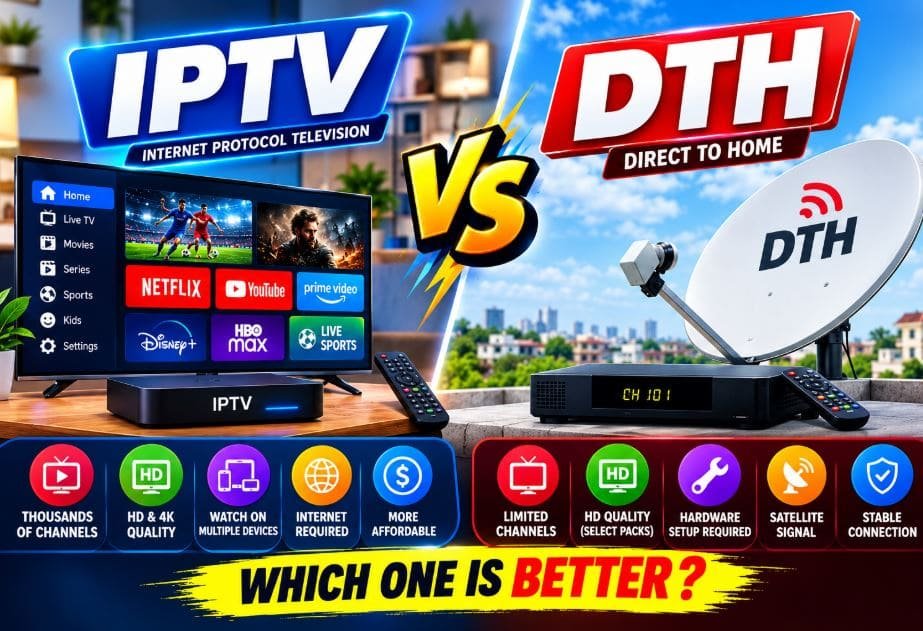
For another take on this decision, see our comparison of IPTV vs DTH.
What Internet Speed Do You Need for IPTV?
No single speed guarantees perfect streaming.
Your real experience depends on several things.
- Stream resolution
- Wi-Fi quality
- How many people are online at once
- Network congestion
- Device performance
- The provider’s own servers
A stable connection matters more than a high advertised speed.
A reliable fibre or broadband line is usually enough for one HD stream.
Higher resolutions and several streams at once need more bandwidth.
How to Reduce IPTV Buffering
Buffering is the most common complaint about internet TV.
Try these simple fixes.
- Use a wired Ethernet cable instead of Wi-Fi where you can.
- Pause large downloads while you watch.
- Restart your router now and then.
- If only one channel buffers, the problem may be that stream.
- Lower the resolution if your line struggles.
- Keep your apps and device software up to date.
For a longer walkthrough, read our guide on how to reduce IPTV buffering.
Is IPTV Legal in New Zealand?
This is one of the most important questions in this guide.
IPTV technology is legal. The real question is whether a specific provider has the right to distribute the content it sells.
A licensed service can use IPTV to deliver authorised programming.
A provider that redistributes copyrighted channels without permission may be acting unlawfully. New Zealand copyright rules apply to what you watch and how you access it.
This guide is general information and not legal advice.
Before you buy any IPTV subscription in New Zealand, take these steps:
- Check the provider’s legal status.
- Read its terms carefully.
- Confirm its content rights.
- Avoid suspiciously cheap premium-channel bundles.
- Do not assume that a huge channel list means legitimate access.
Using an unauthorised service can bring legal, financial, privacy, and security risks.
For more background, see our explainer on is IPTV legal.
How to Test an IPTV Service Before Paying
- Start with the shortest plan, such as one month.
- Watch during your busiest viewing time, such as a weekend match.
- Check that your favourite channels are actually there.
- Try the service on every device you plan to use.
- Note how long channels take to load.
- Contact support with a simple question and see how fast they reply.
- Read the refund policy before you pay.
If the service passes these checks, a longer plan may be worth considering.
Common Mistakes to Avoid
- Chasing the biggest channel count. More channels do not mean better viewing.
- Buying the longest plan first. Test a short plan before you commit.
- Ignoring your internet line. Even great services stumble on weak connections.
- Skipping device checks. Make sure the service works on your TV or box.
- Overlooking legality. Always confirm the provider’s content rights.
- Trusting prices that look too good. Extremely cheap premium bundles deserve caution.
- Forgetting local availability. A service that works in one country may not work in New Zealand.
IPTV Security and Privacy Tips
- Use a unique password for every streaming account.
- Pay with a method that offers buyer protection where possible.
- Keep apps and device software up to date.
- Install apps only from official stores or the provider’s official instructions.
- Be careful with links in unexpected emails or messages.
- Read the privacy policy so you know how your data is used.
Mainstream Platforms vs Independent IPTV Providers
This list contains two very different kinds of service.
Knowing the difference helps you choose with more confidence.
Mainstream Live-TV Platforms
YouTube TV, Fubo TV, Hulu + Live TV, and Roku TV belong in this group.
- They are run by large, well-known companies.
- Their channel lineups and terms are clearly described.
- They usually cost more than independent IPTV plans.
- They are often limited to certain countries, so New Zealand availability needs checking.
Independent IPTV Providers
Pixzo TV, Polu TV, StreamView IPTV, Zest IPTV, Digitalizard, Naxa TV, and similar services sit here.
- They often offer a wide choice of plan lengths.
- Entry prices can be much lower.
- Channel lists and device support vary from provider to provider.
- Licensing deserves extra attention.
- Terms and refund rules should be read before you pay.
Neither type is automatically better.
Choose a mainstream platform when you want a managed service with simple support.
Choose an independent provider when budget and plan flexibility matter most, and check the details carefully first.
How to Pick the Right Subscription Length
Most IPTV providers sell plans from one month up to a year, and some add a lifetime option.
The right length protects both your budget and your peace of mind.
One-Month Plans
- They are ideal for a first trial.
- They let you test channels, devices, and stream stability.
- They usually cost the most per month.
Three-Month and Six-Month Plans
- They lower the monthly cost.
- They suit viewers who are already happy with the service.
- They give you time to see how it performs during busy sports weeks.
Annual and Two-Year Plans
- They usually give the best everyday saving.
- They suit regular viewers who know what they want.
- They need a bigger upfront payment.
Lifetime Plans
- They are paid once.
- They can look attractive on paper.
- They carry the most risk if a service changes or closes.
- They are best considered only after a long, successful trial.
Quick Buying Checklist for Kiwi Viewers
Use this short checklist before you pay for any service in this guide.
- Confirm that the service can be offered in New Zealand.
- Read the current channel list and look for the channels you need.
- Check that your TV, phone, or streaming box is supported.
- Compare the monthly, six-month, and yearly prices.
- Look for a clear refund policy.
- Make sure support contact details are easy to find.
- Test your internet speed at your usual viewing time.
- Start with a short plan before you commit to a long one.
If a service passes every point, you can subscribe with much more confidence.
If it fails several, keep looking.
Frequently Asked Questions
What is the best IPTV in New Zealand?
There is no single best option for everyone.
The right choice depends on your channels, devices, budget, and local availability.
What is the cheapest IPTV subscription in New Zealand?
Among the plans listed here, Digitalizard starts at $8 a month and Zest IPTV starts at $11 a month.
Prices are in US dollars as supplied, so check current rates.
Is IPTV legal in New Zealand?
The technology is legal.
A specific service is legal only if it has the right to distribute its content.
Do I need fibre for IPTV?
You need a stable connection more than any particular type.
Fibre often helps, but a reliable broadband line can also work for HD.
Can I watch IPTV on my Smart TV?
Many services support Smart TVs, Android TV, Google TV, and Firestick.
Check device support before you subscribe.
Is IPTV good for live sport?
It can be if the service carries the sports you follow and your connection is stable.
Rights differ by service and country, so verify before paying.
Should I choose a lifetime plan?
A lifetime plan is a big commitment.
Test the service on a short plan first and read the terms.
Are YouTube TV, Fubo, and Hulu available in New Zealand?
These platforms are mainly built for other markets.
Check each official website for current availability.
Conclusion
Choosing the best IPTV in New Zealand takes more than comparing prices or counting channels. The right service is stable on your connection, easy to use, supported on your devices, and loaded with content you care about. Zest IPTV, Digitalizard, and StreamView IPTV stand out for low entry prices and flexible plans. Pixzo TV, Polu TV, Naxa TV, and Troypoint TV give you wide price ranges to compare.
Prismo IPTV, Tivi Station, and TrendyScreen suit viewers who like long-term plans. YouTube TV, Roku TV, Fubo TV, and Hulu + Live TV show what mainstream platforms look like, though their New Zealand availability needs checking Before you buy, confirm the channel list, supported devices, current price, and content licensing.
Start small, test carefully, and upgrade only when you are happy. With a little research, you can find a service that fits your viewing habits and your budget.