
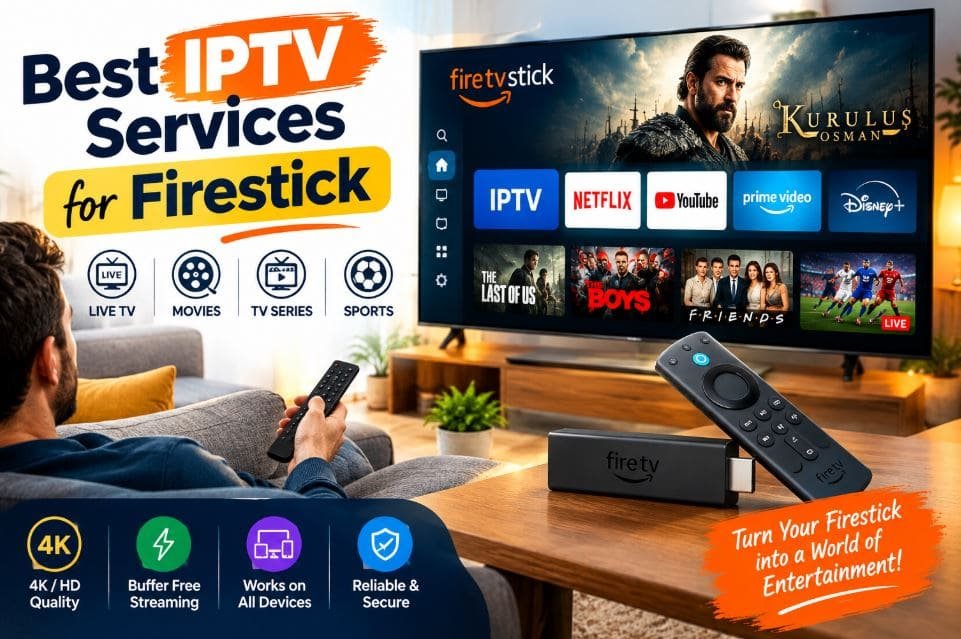
The Amazon Fire TV Stick is one of the most popular streaming devices in the world. It is small, affordable, and easy to set up. But a Firestick is only as good as the content you put on it. That is why so many people search for the best IPTV services for Firestick every month.
IPTV, short for Internet Protocol Television, delivers live channels, sports, movies, and on-demand shows through your internet connection instead of a cable or satellite box. On a Firestick, that means you can swap a bulky set-top box and a long contract for a stick that fits in your palm and a monthly plan you can usually cancel.
The problem is choice. There are dozens of providers, and they all promise the same things: thousands of channels, HD and 4K streams, and “zero buffering.” Some of those promises are real. Others are marketing.
This guide cuts through the noise. Below you will find a clear look at 15 IPTV and live TV services for Firestick, each with an introduction, key features, pros and cons, a pricing table, and a plain explanation of why it suits Fire Stick users. You will also learn how to choose the best IPTV for Firestick, how to set up an IPTV subscription for Firestick, and which mistakes to avoid.
Quick note before you start: Some services in this list are fully licensed, mainstream platforms. Others are independent IPTV providers whose content licensing can be hard to verify. We explain how to tell the difference in the legal section below. Always confirm current pricing and terms on each provider’s official website, because plans change often.
What Is IPTV and Why Does It Work So Well on Firestick?
IPTV is a way of watching television over the internet. Instead of receiving channels through a coaxial cable or a satellite dish, your device streams them as data. If you want a deeper explanation, our guide on the difference between IPTV and streaming TV breaks down how each works. You can also read about the difference between internet TV and IPTV if the terms still feel confusing.
So why does IPTV pair so well with a Firestick?
1. Simple, fast interface.
Fire OS is built around apps. You install a player or a service app, sign in, and start watching. There is no extra hardware to buy.
2. Wide app support
The Fire TV platform supports a huge range of streaming and IPTV player apps, from mainstream live TV apps to M3U and Xtream Codes players.
3. Portable
A Firestick plugs into any HDMI port. Take it on holiday, to a friend’s house, or to a second TV in the bedroom.
4. Low cost
A Firestick is cheap compared with most set-top boxes, and many IPTV plans cost far less per month than a traditional cable bundle.
5. Voice control. The Alexa voice remote lets you jump to a channel or search for a show without typing.
6. Good hardware options
Newer Fire TV Stick models support Wi-Fi 6, 4K resolution, and modern video formats, which helps when streaming live sports in high quality.
In short, a Firestick turns almost any TV into a smart TV. Pair it with the right service and you get a flexible, low-cost entertainment system.
Quick Comparison Table: Best IPTV Services for Firestick
Use this table as a fast overview. Prices are starting prices for a one-month plan, based on the figures we have for each provider. Always double-check on the official site.
| # | Service | Type | Starting Price (1 Month) | Lifetime Plan |
|---|---|---|---|---|
| 1 | Pixzo TV | Independent IPTV | $14.99 | No |
| 2 | Polu TV | Independent IPTV | $14 | No |
| 3 | Zest IPTV | Independent IPTV | $11 | Yes ($220) |
| 4 | StreamView IPTV | Independent IPTV | $14 | Yes ($260) |
| 5 | YouTube TV | Licensed live TV | Around $83 (varies) | No |
| 6 | Troypoint TV | Independent IPTV | $13.99 | No |
| 7 | Roku TV (The Roku Channel) | Licensed, free ad-supported | Free | No |
| 8 | Digitalizard | Independent IPTV | $8 | No |
| 9 | Naxa TV | Independent IPTV | $14.99 | No |
| 10 | Fubo TV | Licensed live TV | Check official site | No |
| 11 | Prismo IPTV | Independent IPTV | $15 | Yes ($350) |
| 12 | Tivi Station | Independent IPTV | $15 | Yes ($365) |
| 13 | TrendyScreen | Independent IPTV | $15 | Yes ($365) |
| 14 | Hulu + Live TV | Licensed live TV | Check official site | No |
| 15 | Krooz TV | Independent IPTV | $15 | Yes ($365) |
How to Choose the Best IPTV for Firestick
Wondering how to choose the best IPTV for Firestick? Price matters, but it should not be your only filter. Work through the checklist below before you pay for anything.
1. Check Firestick and Fire OS compatibility
The service should work smoothly with Fire OS. Look for either a dedicated app in the Amazon Appstore or support for a standard IPTV player app. Ask whether it works on older Fire TV Stick models, since a 1st-generation stick can struggle with heavy apps.
2. Look at the channel and content lineup
Think about what you actually watch. If you follow football, basketball, or UFC, sports coverage should be your first filter. If you want local news, movies, or kids’ channels, check for those. Our best IPTV for live sports guide shows what to look for if sports is your priority. Soccer fans can also see our list of the best IPTV services for soccer.
3. Compare stream quality and stability
Good providers offer HD as standard and 4K on select channels. More importantly, they keep streams stable during peak hours, such as a Saturday football match or a big fight night. Read recent user feedback, not just old reviews.
4. Ask about a free trial or refund policy
A short trial lets you test buffering, channel quality, and the interface on your own Firestick and your own internet connection. See our list of the best free trial IPTV providers for ideas. If there is no trial, look for a clear refund window.
5. Review the plan structure
Compare monthly, quarterly, six-month, and yearly prices. Longer plans cost less per month, but they also lock in more money. Be careful with lifetime plans. A “lifetime” plan lasts only as long as the provider stays in business, so it carries real risk.
6. Test customer support
Send a question before you buy. Fast, clear replies are a good sign. No reply, or only a chat bubble that never answers, is a warning.
7. Verify legitimacy and licensing
This is the most important step and the one most people skip. Check whether the provider is a known, licensed company with a business address, clear terms of service, and secure payment options. We cover this in detail in the legal section later in this guide.
8. Protect your payment and your privacy
Use a payment method that offers dispute protection, such as a credit card or a well-known payment service. Avoid sending money through irreversible methods to unknown sellers.
9. Think about your internet speed
As a rough guide, plan for about 5 to 10 Mbps for a stable HD stream and 25 Mbps or more for 4K. If several people stream at once, you need more.
10. Consider extra features
DVR or catch-up TV, an electronic program guide (EPG), multi-screen viewing, and parental controls can all make daily use easier.
Top 15 Best IPTV Services for Firestick
Below is our list of the top 15 best IPTV services for Firestick. Each entry follows the same structure so you can compare them quickly: an introduction, features, pros and cons, pricing, and why the service works for Fire Stick users.
Reading note: Features are summarized from what each provider generally advertises and from common IPTV service standards. Channel counts, quality, and availability can change at any time and can vary by region, so verify details on the official website before subscribing.
1. Pixzo TV
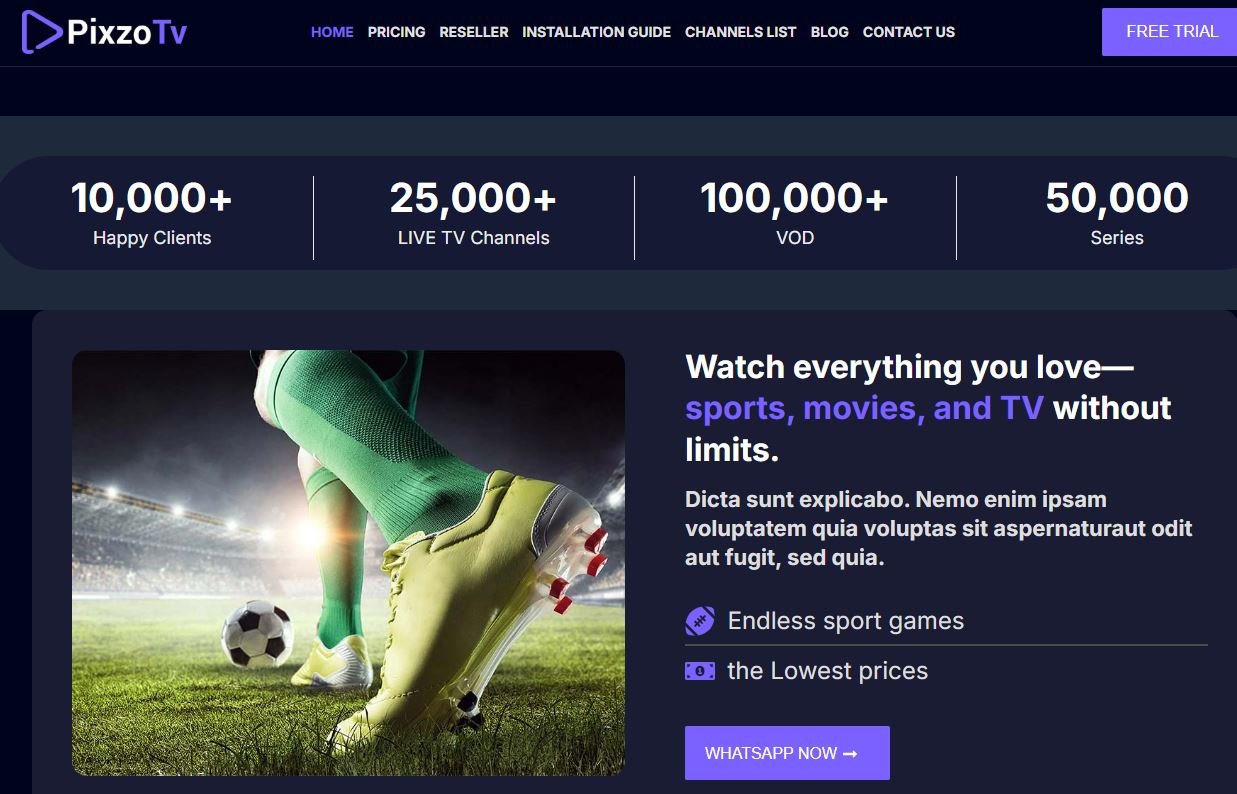
Pixzo TV is an IPTV provider aimed at viewers who want a large live TV and on-demand library at a moderate price. It is marketed to cord-cutters who want a simple setup and several plan lengths to choose from. Because it offers a wide pricing range, it can suit both a single user and a bigger household looking for extra connections.
Features
- Live TV channels across sports, news, movies, entertainment, and kids’ programming
- Video-on-demand library with movies and series
- Electronic program guide (EPG) for easy channel browsing
- Multiple plan tiers, usually tied to the number of connections
- Support for popular IPTV player apps that run on Fire OS
- HD streaming, with higher quality on selected channels
- Email or ticket-based customer support
Pros and Cons
| Pros | Cons |
|---|---|
| Several plan lengths to choose from | Price range is wide, so check which tier you are buying |
| Flexible tiers for different household sizes | No lifetime plan listed |
| Works with standard IPTV player apps | Licensing details can be hard to verify |
| EPG makes channel browsing easy | Quality can vary during peak hours |
Pricing
| Plan | Price |
|---|---|
| 1 Month | $14.99 – $39.99 |
| 3 Months | $24.99 – $64.99 |
| 6 Months | $39.99 – $99.99 |
| 12 Months | $64.99 – $149.99 |
Why Is Pixzo TV Best for Fire Stick Users?
Pixzo TV works well for Fire Stick users who want a flexible plan structure. The lower-priced tiers suit a single TV, while the higher tiers make sense if you run a Firestick in the living room, bedroom, and kitchen. Since it works with common IPTV player apps, you do not need special hardware or complicated setup. It is a practical choice if you want an IPTV subscription for Firestick that scales with your household.
2. Polu TV
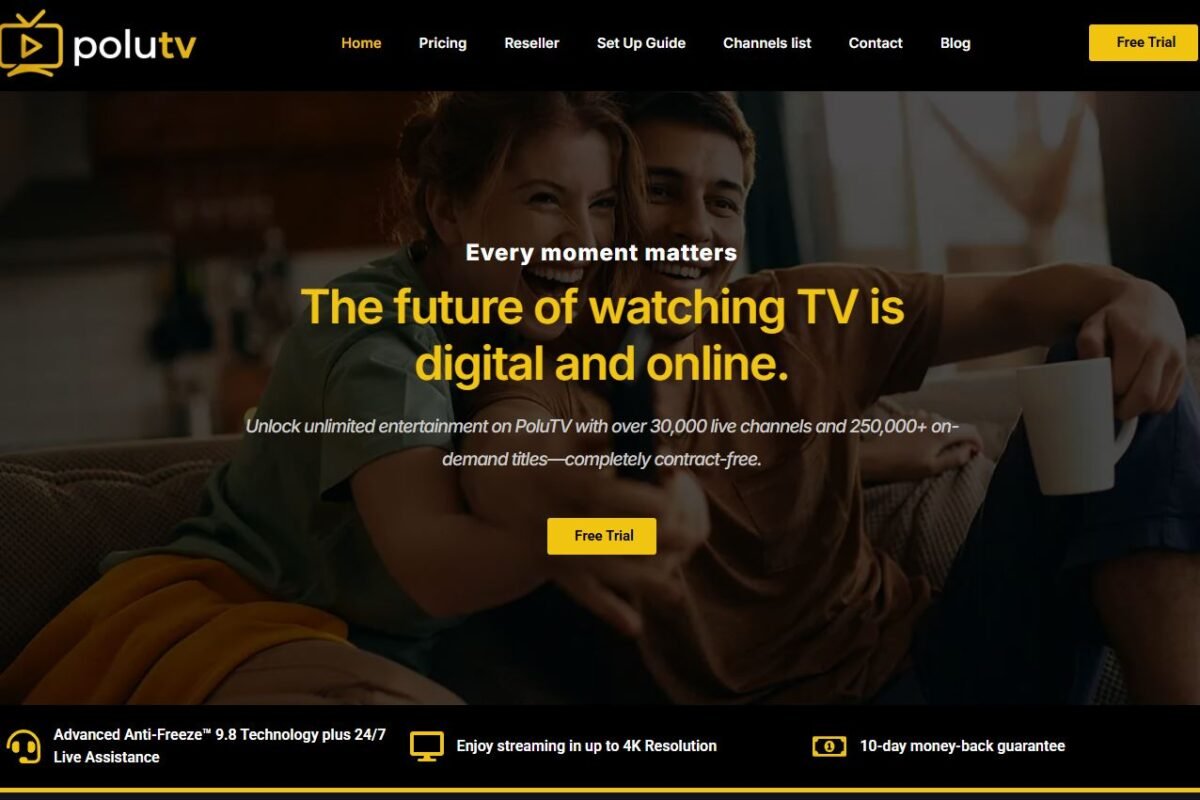
Polu TV is another independent IPTV service with tiered pricing. It targets viewers who want a mix of live channels, sports, and on-demand content without paying cable prices. Its entry price is one of the more approachable in this list, which makes it easy to test for a month before committing.
Features
- Live channels in several categories, including sports and entertainment
- On-demand movies and TV series
- Tiered plans based on connections or feature sets
- EPG support for a cleaner guide
- Compatible with common Fire TV IPTV player apps
- Standard HD streaming
- Support through email or a ticket system
Pros and Cons
| Pros | Cons |
|---|---|
| Low starting price for a one-month plan | Top-tier prices climb quickly |
| Multiple tiers to match your needs | No lifetime option |
| Easy to try for a month | Provider details are limited, so research before paying |
| Works with standard player apps | Stream stability can change with demand |
Pricing
| Plan | Price |
|---|---|
| 1 Month | $14 – $39 |
| 3 Months | $24 – $64 |
| 6 Months | $39 – $99 |
| 12 Months | $64 – $149 |
Why Is Polu TV Best for Fire Stick Users?
Polu TV is a good fit for Fire Stick users who want to start small. The $14 one-month entry point lets you test how the service performs on your own stick and Wi-Fi before moving to a longer plan. Its compatibility with standard IPTV apps means setup on Fire OS is straightforward, which is helpful if you are new to IPTV.
3. Zest IPTV
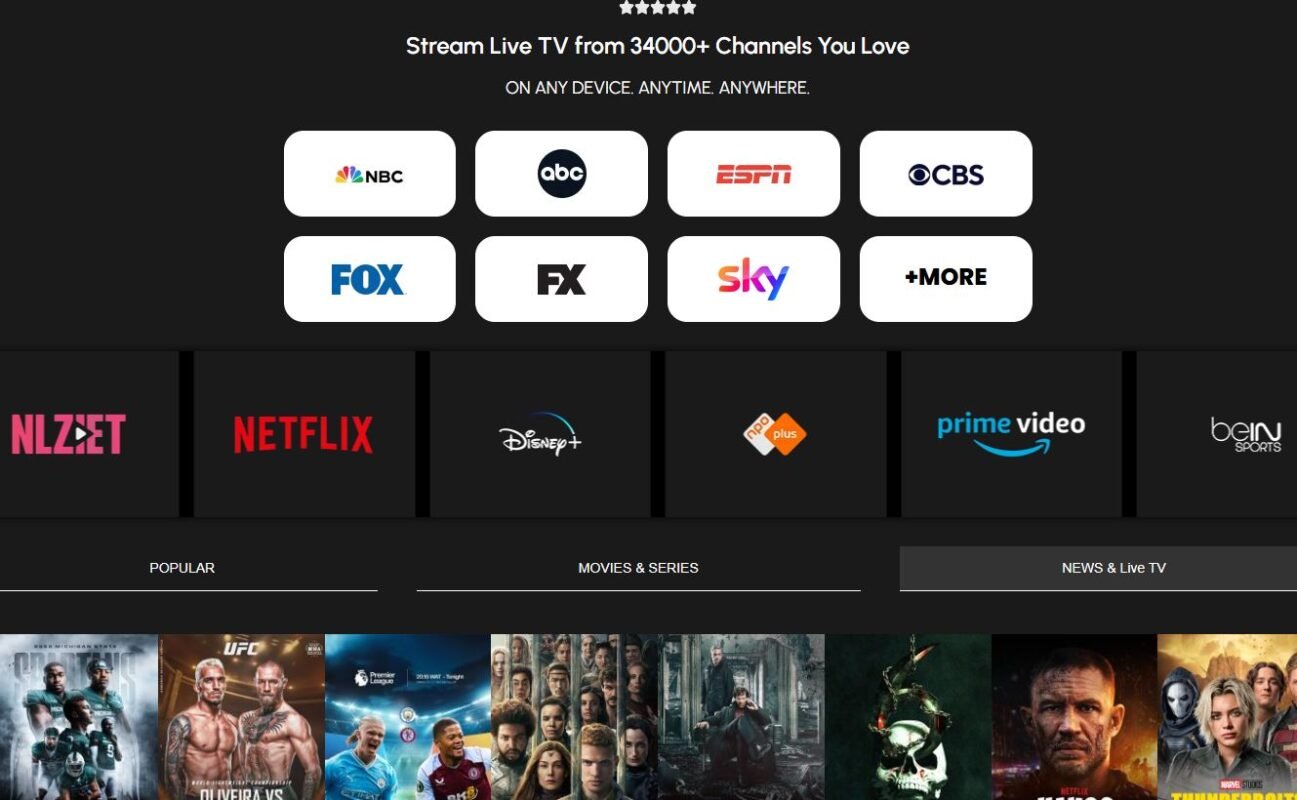
Zest IPTV is a budget-friendly provider with one of the lowest monthly prices in this guide. It also offers a lifetime plan for people who prefer a one-time payment. For viewers who want cheap live TV and are comfortable with the risks of independent providers, Zest IPTV is worth a look.
Features
- Live TV across general entertainment, sports, news, and movies
- VOD library for movies and series
- Lifetime plan option for long-term users
- Simple, clear pricing with no tier confusion
- Works with typical IPTV player apps on Fire TV
- EPG and channel categories for easy navigation
- Customer support through standard channels
Pros and Cons
| Pros | Cons |
|---|---|
| Lowest monthly price among the top picks | Lifetime plans carry business-continuity risk |
| Clear, flat pricing | Fewer details about content licensing |
| Lifetime option available | Support speed may vary |
| Good value on 6 and 12 month plans | Quality depends on your region and connection |
Pricing
| Plan | Price |
|---|---|
| 1 Month | $11 |
| 3 Months | $25 |
| 6 Months | $40 |
| 12 Months | $60 |
| Lifetime | $220 |
Why Is Zest IPTV Best for Fire Stick Users?
Zest IPTV is ideal for Fire Stick users on a tight budget. At $11 for the first month, it lets you try an IPTV subscription for Firestick at very low risk. The flat pricing is easy to understand, and the 12-month plan at $60 works out to about $5 a month. Just remember to be cautious with the lifetime plan, since its value depends on the provider staying active.
4. StreamView IPTV
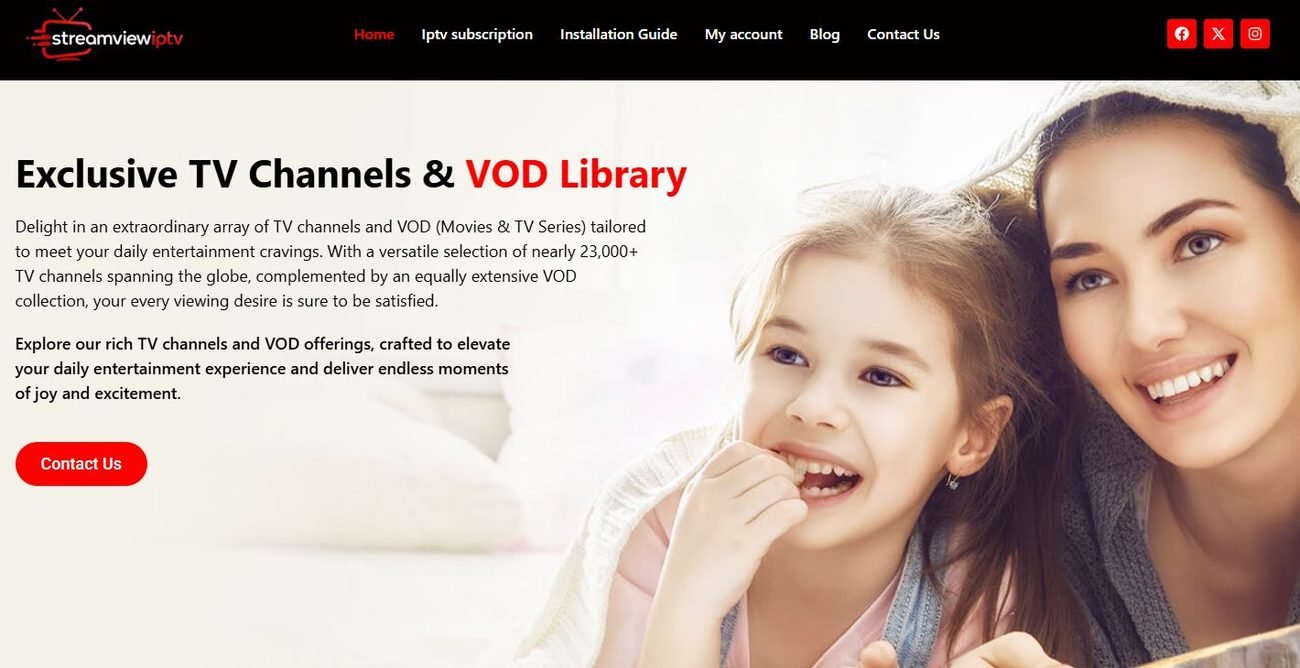
StreamView IPTV is a well-known name among Firestick users who want a broad channel list with a clear plan structure. It offers monthly, quarterly, six-month, yearly, and lifetime plans, giving you plenty of control over how much you commit.
Features
- Large live TV lineup with sports, news, entertainment, and international options
- On-demand movies and series
- Five plan options, including a lifetime tier
- EPG for fast guide browsing
- Works with popular IPTV players on Fire OS
- HD streams with some higher quality channels
- Support options for setup and troubleshooting
Pros and Cons
| Pros | Cons |
|---|---|
| Clear, flat pricing across five plan lengths | Lifetime plan is a bigger upfront cost |
| Flexible commitment levels | Not the cheapest monthly price |
| Easy to understand for beginners | Licensing transparency is limited |
| Lifetime option available | Peak-time buffering can occur |
Pricing
| Plan | Price |
|---|---|
| 1 Month | $14 |
| 3 Months | $29 |
| 6 Months | $45 |
| 12 Months | $65 |
| Lifetime | $260 |
Why Is StreamView IPTV Best for Fire Stick Users?
StreamView IPTV suits Fire Stick users who prefer straightforward pricing. There are no confusing tiers, so you simply pick a length. The 12-month plan at $65 gives solid value, and the interface works well with standard Firestick IPTV players. If you want to commit gradually, you can start with one month and upgrade after a good test.
5. YouTube TV
YouTube TV is a fully licensed live TV streaming service from Google. It offers a large bundle of live channels, including major broadcast networks, sports channels, and news. For Firestick users who want a legal, polished, and stable service, it is one of the safest choices. If you are curious how a mainstream service compares with IPTV, read our guide on IPTV vs YouTube TV.
Features
- 100+ live channels in the main plan, including local networks in many areas
- Unlimited cloud DVR storage, with recordings kept for several months
- Up to six profiles per household, each with its own DVR and recommendations
- Multiview for sports, letting you watch several games on one screen
- Official app available on Fire TV
- Optional add-ons such as 4K Plus and premium networks
- Newer, smaller genre-based plans in some regions
Pros and Cons
| Pros | Cons |
|---|---|
| Fully licensed and reliable | Much more expensive than most IPTV services |
| Excellent app and interface on Fire TV | Add-ons raise the final bill |
| Unlimited DVR | Channel availability depends on your location |
| No contract, cancel any time | Price increases are common |
Pricing
| Plan | Price |
|---|---|
| Main Plan | Around $83 per month (promotions for new users may apply) |
| Sports Plan | Around $65 per month |
| 4K Plus add-on | About $10 per month |
Why Is YouTube TV Best for Fire Stick Users?
YouTube TV is best for Fire Stick users who want a hassle-free, fully legal cable replacement. The official Fire TV app is smooth and fast, the DVR works well, and Multiview is great for sports fans. You pay more than you would for an independent IPTV provider, but you get stability, support, and peace of mind.
6. Troypoint TV
Troypoint is widely known in the streaming community for its tutorials, app lists, and Firestick guides. It is its IPTV offering, built for viewers who like Troypoint’s setup help and want a service that fits that ecosystem. The tiered pricing lets you choose the plan that suits your household.
Features
- Live TV channels across sports, entertainment, news, and movies
- Video-on-demand library
- Tiered plans based on features or connections
- Guides and tutorials for Firestick setup from the wider Troypoint community
- Works with common IPTV player apps
- EPG support
- Standard HD quality with selected higher-quality streams
Pros and Cons
| Pros | Cons |
|---|---|
| Backed by a recognizable streaming-help brand | Pricing range is wide |
| Useful setup tutorials for beginners | No lifetime plan listed |
| Multiple tiers | Always verify licensing and terms |
| Good fit for Firestick-focused users | Higher tiers can get expensive |
Pricing
| Plan | Price |
|---|---|
| 1 Month | $13.99 – $39.99 |
| 3 Months | $22.99 – $64.99 |
| 6 Months | $39.99 – $99.99 |
| 12 Months | $59.99 – $149.99 |
Why Is Troypoint TV Best for Fire Stick Users?
Troypoint TV is a good option for beginners. Troypoint built its reputation on Firestick guides and walkthroughs, so new users can find setup help easily. If you are setting up your first IPTV subscription for Firestick, that extra guidance can save time and frustration.
7. Roku TV (The Roku Channel)
Roku is best known for its streaming players and smart TVs, but its free, ad-supported service, The Roku Channel, is also available through an app on Fire TV devices. It is not a traditional IPTV subscription. Instead, it offers free live channels and on-demand content from licensed partners. It earns a place on this list as a zero-cost, fully legal option for Firestick users.
Features
- Free, ad-supported live channels in categories such as news, movies, and entertainment
- Free on-demand movies and TV shows
- No subscription needed for the core service
- Optional paid add-on subscriptions in some regions
- Official app support on Fire TV
- Simple, clean interface
- Content availability can differ by country
Pros and Cons
| Pros | Cons |
|---|---|
| Free to use | Ads interrupt viewing |
| Fully licensed | Limited premium sports and major network channels |
| Easy to set up | Library varies by region |
| No contract or payment details needed for the free tier | Not a full cable replacement |
Pricing
| Plan | Price |
|---|---|
| Core Service | Free (ad-supported) |
| Optional Premium Add-ons | Vary by add-on and region |
Why Is Roku TV Best for Fire Stick Users?
The Roku Channel is best for Fire Stick users who want free entertainment without any risk. It makes a nice add-on beside a paid service, giving you extra news, movies, and shows at no cost. If your budget is small and you do not need premium sports, it is a smart place to start.
8. Digitalizard
Digitalizard is a budget-oriented IPTV provider with some of the lowest entry prices in this guide. It suits viewers who want to try IPTV with little financial commitment. The wide gap between its lowest and highest tiers means you should check exactly what each plan includes.
Features
- Live TV channels, including sports and general entertainment
- Movies and series on demand
- Very low entry pricing
- Multiple plan tiers
- Works with common IPTV players on Fire TV
- EPG support
- Support through standard channels
Pros and Cons
| Pros | Cons |
|---|---|
| Among the cheapest options in this list | Cheapest tiers may have limits |
| Good for testing IPTV with low risk | Fewer public details about the service |
| Several plan lengths | No lifetime option |
| Works with common players | Quality can vary |
Pricing
| Plan | Price |
|---|---|
| 1 Month | $8 – $24 |
| 3 Months | $15 – $45 |
| 6 Months | $25 – $75 |
| 12 Months | $45 – $135 |
Prices listed in USD based on the figures provided; confirm currency and tiers on the official site.
Why Is Digitalizard Best for Fire Stick Users?
Digitalizard is best for Fire Stick users who want to experiment with IPTV at a very low cost. An $8 starting price makes it easy to test channel quality and stream stability on your own stick. If it works well, you can step up to a longer plan.
9. Naxa TV
Naxa TV is an IPTV service built around simple setup and broad channel variety. Its tiered pricing mirrors several other independent providers, giving users the option to choose a level that matches how many screens they use.
Features
- Live TV categories, including sports, news, movies, and kids
- VOD library
- Tiered plans for different household sizes
- EPG and channel search
- Works with popular IPTV apps on Fire OS
- HD streaming
- Customer support options
Pros and Cons
| Pros | Cons |
|---|---|
| Simple setup | Wide price range across tiers |
| Flexible tiers | No lifetime plan listed |
| Good category variety | Licensing details are limited |
| Works with common Firestick players | Support response may vary |
Pricing
| Plan | Price |
|---|---|
| 1 Month | $14.99 – $39.99 |
| 3 Months | $24.99 – $64.99 |
| 6 Months | $39.99 – $99.99 |
| 12 Months | $64.99 – $149.99 |
Why Is Naxa TV Best for Fire Stick Users?
Naxa TV is a solid pick for Fire Stick users who want an easy start. The setup works with common IPTV players, and the tiered plans let you pay only for what you need. If you manage more than one TV, the higher tiers can be a practical way to cover the whole home.
10. Fubo TV
Fubo is a licensed live TV streaming service that started with a strong focus on sports, especially soccer, and later expanded into a full channel lineup. It is available as an official app on Fire TV and appeals to sports fans who want a legal option with strong coverage.
Features
- Large channel lineup with a strong focus on live sports
- Cloud DVR with recording options
- Multiple simultaneous streams, depending on the plan
- Official app on Fire TV
- Add-ons for extra sports and entertainment packages
- Support for 4K on selected events
- Local channels in many markets
Pros and Cons
| Pros | Cons |
|---|---|
| Fully licensed | Higher monthly price than IPTV providers |
| Strong sports coverage | Pricing and bundles change often |
| Good Fire TV app | Add-ons increase the final cost |
| Cloud DVR | Regional availability varies |
Pricing
| Plan | Price |
|---|---|
| Monthly Plans | Vary by bundle and region; check the official Fubo website for the current price |
| Free Trial | Sometimes available for new users |
Why Is Fubo TV Best for Fire Stick Users?
Fubo is best for Fire Stick users who care about live sports and want a legal, reliable service. The Fire TV app is smooth, and its sports focus makes it appealing for soccer, football, and basketball fans. If you watch a lot of live games, it can be a worthwhile alternative to independent IPTV.
11. Prismo IPTV
Prismo IPTV is a mid-priced independent provider with flat pricing and a lifetime option. It is aimed at viewers who prefer a simple structure without confusing tiers. The step pricing is consistent across plan lengths, making it easy to compare.
Features
- Live TV channels in many categories
- VOD movies and series
- Flat pricing across five plan options
- Lifetime plan for long-term users
- Works with common IPTV players on Fire TV
- EPG support
- Support through standard channels
Pros and Cons
| Pros | Cons |
|---|---|
| Easy-to-read pricing | Higher monthly price than budget providers |
| Lifetime option | Lifetime plan carries risk |
| Simple plan structure | Limited public licensing information |
| Works with standard players | Value depends on your needs |
Pricing
| Plan | Price |
|---|---|
| 1 Month | $15 |
| 3 Months | $35 |
| 6 Months | $60 |
| 12 Months | $85 |
| Lifetime | $350 |
Why Is Prismo IPTV Best for Fire Stick Users?
Prismo IPTV works well for Fire Stick users who like clean pricing. There are no tiers to decode. The 12-month plan at $85 lands in the middle of the market, and the standard IPTV player support means setup on your stick should be quick.
12. Tivi Station
Tivi Station is an independent IPTV provider with a flat price list and a lifetime option. It offers a broad channel mix and targets viewers who want one service for live TV, sports, and on-demand content.
Features
- Live TV across sports, news, movies, and international channels
- VOD library
- Five plan options, including lifetime
- EPG and channel categories
- Works with common Fire OS IPTV players
- HD quality, with higher-quality streams on selected channels
- Customer support options
Pros and Cons
| Pros | Cons |
|---|---|
| Flat, easy pricing | Higher than budget IPTV providers |
| Lifetime plan available | Lifetime plan is a large upfront cost |
| Wide channel variety | Little public licensing detail |
| Works on Firestick via standard players | Quality may vary |
Pricing
| Plan | Price |
|---|---|
| 1 Month | $15 |
| 3 Months | $35 |
| 6 Months | $65 |
| 12 Months | $95 |
| Lifetime | $365 |
Why Is Tivi Station Best for Fire Stick Users?
Tivi Station is a good fit for Fire Stick users who want one service for everything and prefer a predictable price. It works with standard IPTV apps, so you can set it up in minutes. Starting with a one-month plan is a sensible way to test it before committing.
13. TrendyScreen
TrendyScreen is an IPTV provider with the most plan choices in this list, including a 24-month option. It suits viewers who want a longer commitment at a lower per-month cost without jumping straight to a lifetime plan.
Features
- Live TV with a range of categories
- VOD movies and series
- Six plan options, including 24 months and lifetime
- EPG support
- Works with popular IPTV players on Fire TV
- HD streaming
- Support via standard channels
Pros and Cons
| Pros | Cons |
|---|---|
| 24-month plan gives a middle path | Higher starting price than budget providers |
| Many plan lengths | Lifetime plan is expensive |
| Flat, readable pricing | Limited licensing transparency |
| Works with common Fire OS apps | Quality may vary at peak times |
Pricing
| Plan | Price |
|---|---|
| 1 Month | $15 |
| 3 Months | $35 |
| 6 Months | $65 |
| 12 Months | $95 |
| 24 Months | $165 |
| Lifetime | $365 |
Why Is TrendyScreen Best for Fire Stick Users?
TrendyScreen is best for Fire Stick users who want a longer, cheaper plan without a lifetime gamble. The 24-month plan at $165 works out to under $7 a month, which beats the monthly cost of most services. Because it works with standard players, setup is quick on any Fire TV Stick.
14. Hulu + Live TV
Hulu + Live TV is a licensed service that combines live channels with Hulu’s on-demand library and, in many bundles, other streaming services. It is a strong option for Firestick users who want one subscription for live TV and a deep catalog of shows and movies.
Features
- Live TV channels, including major networks, news, and sports
- Access to Hulu’s on-demand library
- Cloud DVR
- Bundles that may include other streaming services
- Official Fire TV app
- Multiple profiles per account
- Add-ons for premium channels and extra features
Pros and Cons
| Pros | Cons |
|---|---|
| Fully licensed | Expensive compared with IPTV providers |
| Live TV plus a big on-demand library | Bundles and prices change often |
| Polished Fire TV app | Add-ons add up |
| Cloud DVR | Not available in every country |
Pricing
| Plan | Price |
|---|---|
| Hulu + Live TV | Varies by bundle and region; check the official Hulu website for current pricing |
| Free Trial | Sometimes offered to new subscribers |
Why Is Hulu + Live TV Best for Fire Stick Users?
Hulu + Live TV is best for Fire Stick users who want a one-stop, legal service for both live TV and on-demand shows. It runs smoothly on Fire TV and gives you a cable-like lineup with modern features. If you value reliability and simplicity over low prices, it is a safe choice.
15. Krooz TV
Krooz TV is an independent IPTV provider with flat pricing and a lifetime plan. It focuses on a wide channel selection and simple setup, making it a decent option for viewers who want to avoid confusing tiers.
Features
- Live TV in many categories
- On-demand movies and series
- Five plan lengths, including lifetime
- EPG and search tools
- Works with common IPTV apps on Fire OS
- HD streaming
- Support through standard channels
Pros and Cons
| Pros | Cons |
|---|---|
| Simple, flat pricing | Higher price than budget providers |
| Lifetime plan available | Lifetime plan is a long-term gamble |
| Easy to understand | Limited public licensing information |
| Works with standard Firestick players | Support speed may vary |
Pricing
| Plan | Price |
|---|---|
| 1 Month | $15 |
| 3 Months | $35 |
| 6 Months | $65 |
| 12 Months | $95 |
| Lifetime | $365 |
Why Is Krooz TV Best for Fire Stick Users?
Krooz TV suits Fire Stick users who want a predictable plan and a straightforward setup. Standard IPTV player support makes installation quick, and the flat pricing helps you budget. Try a one-month plan first, then decide whether a longer plan makes sense.
How to Set Up an IPTV Subscription for Firestick?
Once you choose a provider, setup is usually simple. Here is the general process for an IPTV subscription for Firestick. Exact steps may differ by provider.
Step 1: Connect your Firestick. Plug it into an HDMI port, connect to Wi-Fi, and sign in to your Amazon account.
Step 2: Check your internet speed. Run a speed test on the TV or your phone. For stable HD, aim for at least 10 Mbps.
Step 3: Choose your app. If the provider has an official Fire TV app, download it from the Amazon Appstore. If it works through a general IPTV player, install a legitimate player app from the Appstore.
Step 4: Subscribe to a plan. Use a payment method with buyer protection, and keep your order confirmation.
Step 5: Enter your login details. Most services give you a username, a password, and a server URL, or an M3U link, or an activation code. Enter them in the app.
Step 6: Load the channel list and EPG. Wait a few minutes for the playlist and guide to load.
Step 7: Organize your favorites. Create a favorites list so your most-watched channels are always within reach.
Step 8: Test during peak hours. Check stream quality in the evening or during a big game, since that is when problems show up.
For readers who also want to understand how IPTV compares with other platforms, see our guides on the difference between Kodi and IPTV and the difference between IPTV and Apple TV.
Tips to Stop Buffering on Firestick
Buffering is the most common complaint among IPTV users. Before you blame the provider, try these fixes.
- Restart your Firestick and router. It sounds basic, but it clears many temporary issues.
- Use a strong Wi-Fi signal. Place your router close to the TV or use an Ethernet adapter for the Firestick.
- Close unused apps. Go to Settings, then Applications, then Manage Installed Applications, and clear the cache of apps you no longer use.
- Upgrade your hardware. Older Firesticks have limited memory. A newer model streams HD and 4K much more smoothly.
- Avoid peak-hour congestion. If your neighbors all stream at once, your speeds may drop.
- Lower the stream quality. If your internet is slow, choose a lower resolution in your player app.
- Update your apps and Fire OS. Updates often fix bugs and improve performance.
- Consider a VPN carefully. A VPN can add privacy, but it can also slow your speeds. Test with and without it.
Is IPTV Legal? What Every Firestick User Should Know
This is the part many “best IPTV” guides skip, and it matters.
IPTV as a technology is legal. Mainstream services such as YouTube TV, Hulu + Live TV, and Fubo use IPTV technology and are fully licensed. The Roku Channel is also licensed and free.
The legal risk comes from unlicensed providers. Some independent IPTV services offer thousands of premium channels and recent movies at very low prices. Prices that are far below what licensed services pay for content rights are often a sign that the provider does not have the proper licenses. Streaming from such a provider may infringe copyright, and in some countries it can carry legal consequences for the provider and, in some cases, for users. Laws differ by location, so you are responsible for understanding the rules where you live.
There are practical risks too:
- Sudden shutdowns. Unlicensed services can disappear after a takedown, taking your prepaid months, or your lifetime plan, with them.
- Payment risk. Some sellers vanish after payment, and some payment methods are hard to dispute.
- Security and privacy risk. Unknown apps and playlists can expose you to malware, tracking, or credential theft.
- Inconsistent quality. Channels can disappear or go offline without notice.
How to lower your risk:
- Prefer providers that clearly identify the company behind the service and publish terms, a privacy policy, and refund details.
- Be skeptical of “thousands of premium channels for $10” claims.
- Avoid paying with irreversible methods to unknown sellers.
- Consider licensed services for the channels and events that matter most to you.
- Never use a service in a way that breaks the laws of your country.
This guide is for general information and is not legal advice. If you are unsure, check your local regulations or speak with a qualified professional.
Licensed vs. Independent IPTV: Which Is Right for You?
| Factor | Licensed Services (YouTube TV, Hulu + Live TV, Fubo, Roku Channel) | Independent IPTV Providers |
|---|---|---|
| Legality | Fully licensed | Varies; often unclear |
| Price | Higher (except Roku, which is free) | Usually much lower |
| Stability | Very reliable | Can vary widely |
| Official Fire TV app | Yes | Often uses a third-party player |
| Support | Company-backed | Varies |
| Contract risk | Low, cancel any time | Higher, especially with lifetime plans |
| DVR | Usually cloud DVR included | Depends on provider |
Who should pick licensed services? Anyone who values stability, legality, and customer support, especially families and people who rely on TV for local news, live sports, or important events.
Who might look at independent providers? Budget-focused viewers who understand the risks and want to test a low-cost plan, ideally with a short subscription first.
A smart middle path is to combine free or low-cost licensed options, such as The Roku Channel, with one carefully chosen paid service.
If you are weighing IPTV against other ways to watch, our guides on IPTV vs DTH and the difference between IPTV and Netflix can help you compare. Readers outside the US may also like our lists of the best UK IPTV providers and the best IPTV services in Canada. You can browse everything in our IPTV guides section.
Which Fire TV Stick Is Best for IPTV?
Your choice of Firestick affects how smooth IPTV feels, so here is a simple guide.
- Fire TV Stick Lite or older models: Fine for basic HD streaming with light apps. May lag with heavy IPTV players and large channel lists.
- Fire TV Stick (standard, newer generations): A good all-round choice for HD streaming with better speed and Alexa voice control.
- Fire TV Stick 4K and 4K Max: Best for 4K content, faster menu navigation, and better Wi-Fi. If you watch a lot of live sports, the extra power helps with stability.
If you already own an older Firestick and it feels slow, clearing the cache and removing unused apps can help. If it still lags, upgrading is often cheaper than switching providers.
Best IPTV Services for Firestick by Use Case
Not sure which one to pick? Use this quick guide.
| If you want… | Consider |
|---|---|
| The cheapest trial | Digitalizard, Zest IPTV |
| A legal, hassle-free cable replacement | YouTube TV, Hulu + Live TV |
| Free entertainment | Roku TV (The Roku Channel) |
| Strong sports focus with licensed content | Fubo TV |
| Simple flat pricing | StreamView IPTV, Prismo IPTV, Tivi Station |
| A 24-month plan | TrendyScreen |
| Beginner-friendly Firestick guidance | Troypoint TV |
| Multiple tiers for larger households | Pixzo TV, Polu TV, Naxa TV |
| A lifetime option | Zest IPTV, StreamView IPTV, Prismo IPTV, Tivi Station, TrendyScreen, Krooz TV (use caution) |
Common Mistakes to Avoid When Buying an IPTV Subscription for Firestick
- Buying a long plan first. Always start with a one-month plan, or a trial, to test the service on your own stick.
- Chasing the lowest price. Extremely low prices often come with limited quality, poor support, or unclear licensing.
- Ignoring your internet speed. The best service in the world will buffer on a weak connection.
- Skipping the support test. Send a question before you pay.
- Paying with unsafe methods. Use payment options with buyer protection.
- Trusting lifetime plans too much. If the provider closes, your lifetime plan ends with it.
- Downloading apps from unknown sources. Stick to the Amazon Appstore and trusted developers whenever possible.
- Forgetting about privacy. Read the privacy policy and avoid sharing more personal data than needed.
Frequently Asked Questions
What are the best IPTV services for Firestick?
The best choice depends on what you value. For legal and reliable live TV, YouTube TV, Hulu + Live TV, and Fubo are strong options. For free content, The Roku Channel is a good start. For lower-cost IPTV, providers such as StreamView, Zest IPTV, Prismo IPTV, and others in this guide offer a range of plans, but you should research their licensing and test them with a short plan first.
How much does an IPTV subscription for Firestick cost?
Independent IPTV providers in this guide start from about $8 to $15 per month, with longer plans bringing the monthly cost down. Licensed live TV services such as YouTube TV cost much more per month, in exchange for stability and official support.
How do I choose the best IPTV for Firestick?
Check Fire OS compatibility, channel lineup, stream stability, trial or refund options, support quality, plan flexibility, and legitimacy. Test during peak hours before committing to a long plan.
Do I need a VPN for IPTV on Firestick?
You do not need one for licensed services. Some users add a VPN for privacy, but it can slow speeds and may break access to region-locked services. Test your connection with and without it.
Which Firestick is best for IPTV?
A Fire TV Stick 4K or 4K Max gives the best performance for live sports and 4K content. Standard models work well for HD, while older ones may lag.
Why does my IPTV keep buffering on Firestick?
Common causes include weak Wi-Fi, slow internet, a full cache, an old Firestick, or server congestion at the provider. Try restarting your devices, using Ethernet, clearing your cache, and lowering stream quality.
Can I use IPTV on more than one Firestick?
It depends on the provider and plan. Many offer multiple connections on higher tiers. Check the connection limit before buying.
Is a lifetime IPTV plan worth it?
Usually it is a gamble. A lifetime plan lasts only as long as the provider operates. Unless you are comfortable losing the money, a yearly plan is the safer choice.
Is IPTV the same as Netflix or Hulu?
Not exactly. Netflix focuses on on-demand content. IPTV delivers live TV and often VOD over the internet. Our article on the difference between IPTV and Netflix explains this in detail.
Are free trials available?
Some providers offer short trials or money-back windows, and some licensed services offer free trials to new users. If you want ideas, see our list of the best free trial IPTV providers.
Final Verdict: Which Is the Best IPTV Service for Firestick?
There is no single winner for every viewer, because “best” depends on your budget, your location, and your tolerance for risk.
- Best for reliability and legality: YouTube TV and Hulu + Live TV give you a smooth, fully licensed experience on Fire TV.
- Best for sports fans using licensed services: Fubo TV.
- Best free option: The Roku Channel.
- Best for flexible tiers: Pixzo TV, Polu TV, Naxa TV, and Troypoint TV.
- Best budget picks among independent providers: Digitalizard and Zest IPTV have the lowest entry prices.
- Best for simple pricing: StreamView IPTV, Prismo IPTV, Tivi Station, and Krooz TV keep things flat and easy to compare.
Whatever you choose, follow a few simple rules. Start with a short plan. Test during peak hours. Use a safe payment method. Be careful with lifetime offers. And remember that stable, legal streaming usually costs more than the cheapest options on the market.
Ready to dig deeper? Explore more reviews and comparisons in our IPTV guides collection, and start your next streaming upgrade with confidence.